


Entity Component System (ECS)
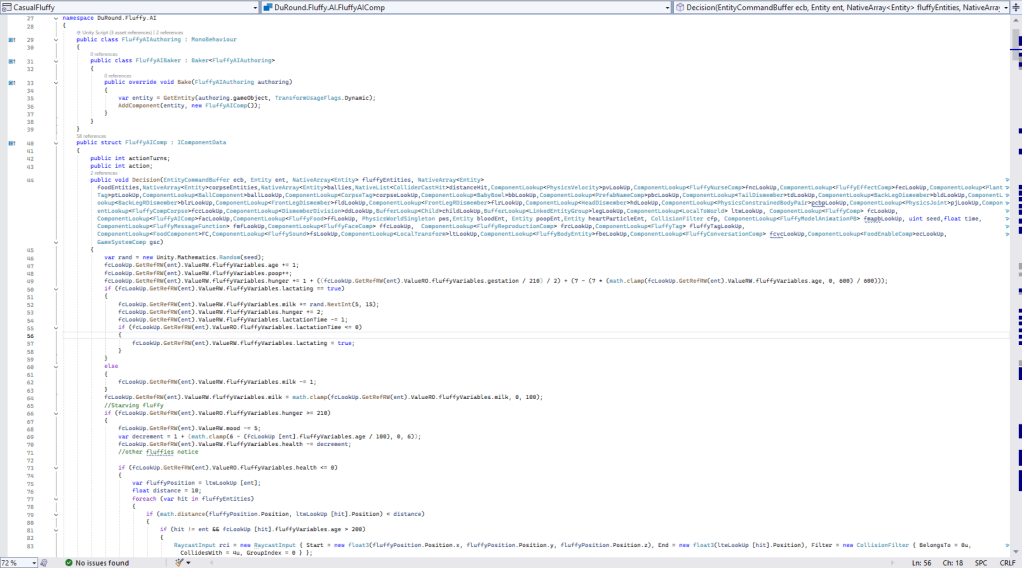
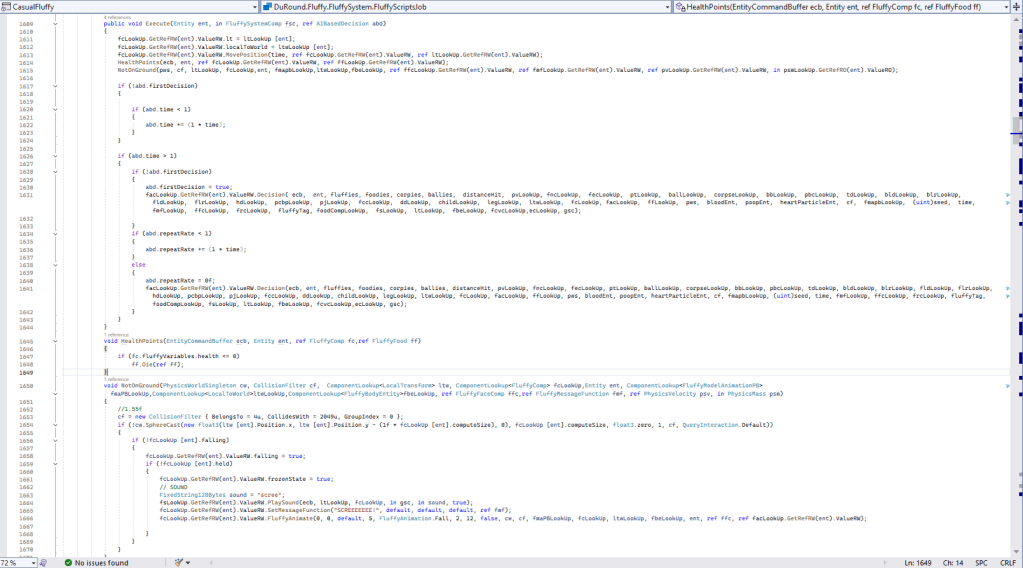
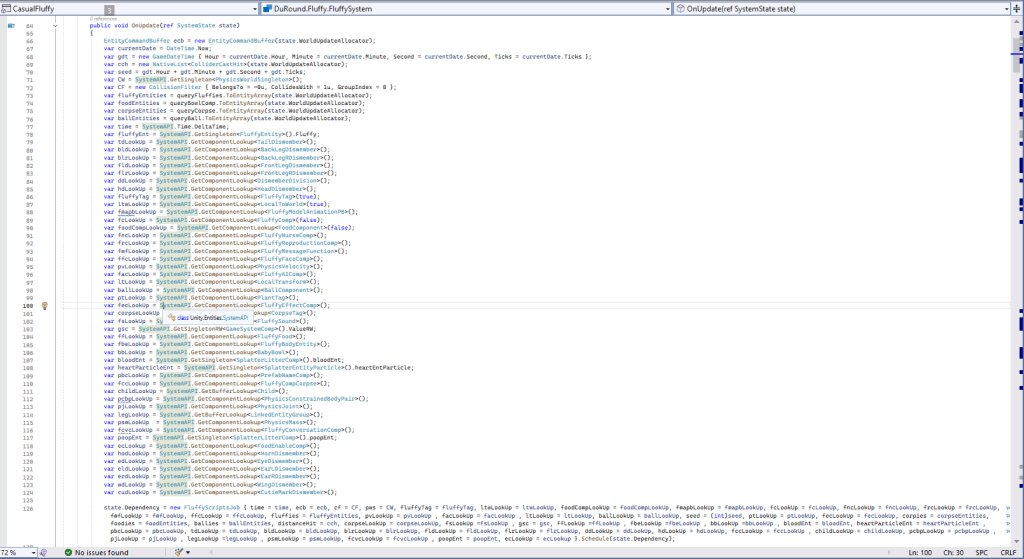
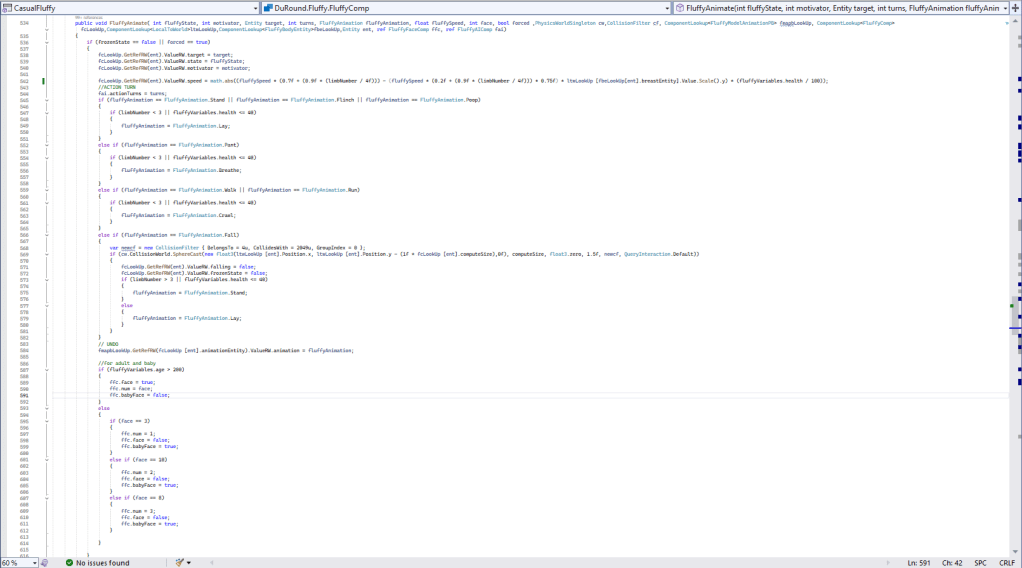
- The entity component system (ECS) in Unity possesses better performance compared to the previous one, MonoBehaviour.
- This can be seen as most variables use structs rather than references.
- These variables contain managed and unmanaged types; for example, unmanaged types include int, bool, and float.
- The managed types contain class types such as Sprite, Audio, String, and other reference types. Sprites can be kept inside the component as references in the entity for future use. The same applies to audio and string types, which can be stored inside the component as references.
- The unmanaged types are values that can be used with the job system. The new job system contains IJobEntity, which loops through specified entities with the components defined in the job to perform specific tasks within the job. To improve performance, it is essential to use burst compilation, which speeds up the process of the code execution.
- The managed types are reference types that can also be used within the entity component system. To handle these, you should use them in the component system base rather than systems that are for struct values. Instead of using IJobEntity—which is used for system calls to loop through entities with their specific components as parameters to perform tasks or functions within the called entity—you should use this method.
- To call specified components to be used in looping, you can use a system API, which is powerful and contains different types of components that store entity values. Call the system API with the component behavior and use them inside the loop system of the entities. Just a reminder: most reference types cannot use burst compilation, so you will probably need to call them without burst when using the entity system base.
- In play mode, these structs are attached to the entities in the scene as component systems. Before play mode, most of the entity components are preloaded in the subscene. You can see most of the entities in the entities hierarchy by selecting the tab. There are different kinds of entities with their respective indices.
- The scripts are to be attached to the game objects to be baked and converted into the entities in the entity scene. This is also called the preloaded scene, which converts most game objects in the subscene into the entities. For example, the struct components will be compiled into component systems, while reference values will be stored inside the component class systems within the entities.
- After the conversion, the entity is ready and will show up in the inspector for the component list and scene reference. In the inspector, there is a circle symbol that you can press for authoring, runtime, and mixed (which is both authoring and runtime). This helps identify game object names that have already been converted to entities since you would not recognize them by their indices instead of their names.
- To add the entity and make it show up, you must create a subscene inside the scene. Create game objects with their respective scripts, which must be baking scripts; otherwise, those objects won’t become entities, and you will get an error when the scene tries to convert and bake.
- You can create an entity scene by right-clicking in the inspector. Then, select “Create an Entity Scene” called a subscene in the current scene. You can also select the game object in the inspector and drag the scene to be used in the subscene.
- Do not forget to mention the Entity Manager, where you can call it like the system API, but it will cause overhead since calling it frequently can become a performance issue due to changes in the entity structure. Using functions like destroying or creating entities can result in severe resource use because of the addition or destruction of entities.
- To reduce performance issues when calling the Entity Manager, there is another option called the entity command buffer, which records structure changes in the entity and plays them back later. This usually happens by recording inside the job function to be played back outside the job on the main thread. This will result in slightly better performance than using the Entity Manager itself. Most importantly, allocating memory and reallocating every frame is crucial in the entities system, especially since new technologies use new hardware, resulting in a performance boost.
Mono Behavior
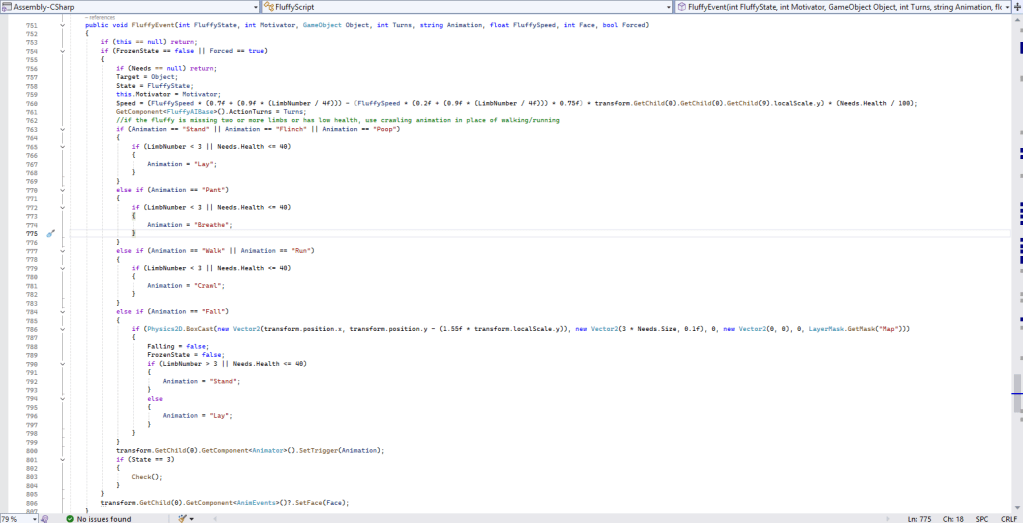
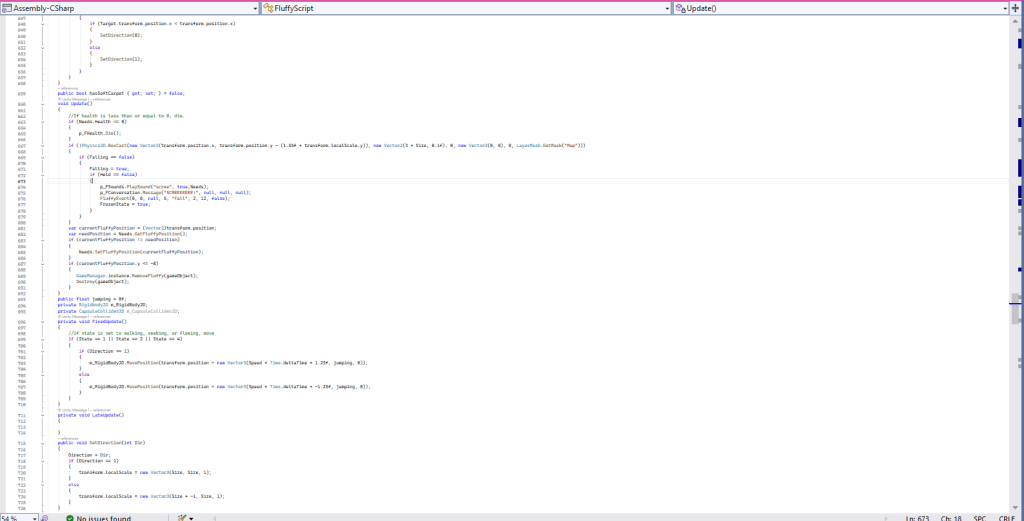
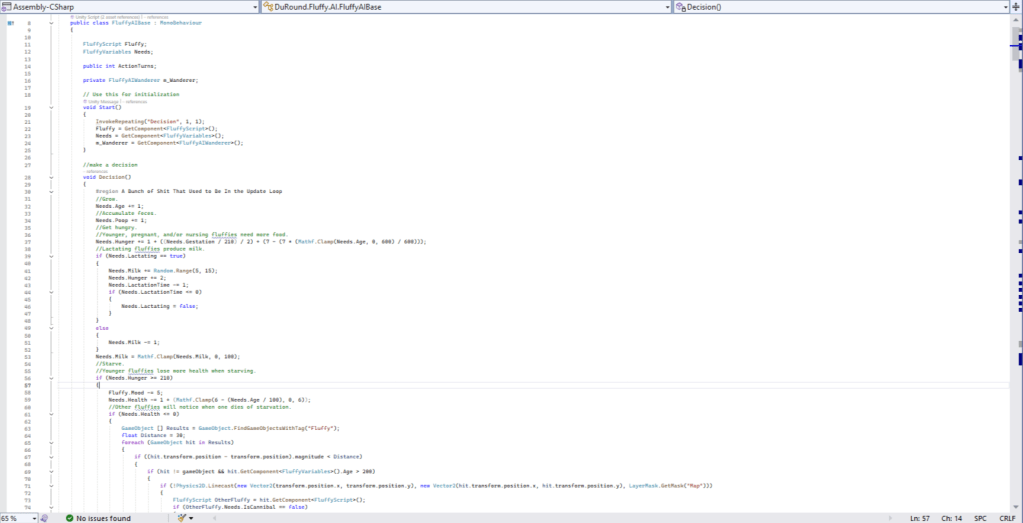
- Original casual fluffy farm prototype games during the initial stages on Mono Behavior. Can effortlessly create scripts and link them to a game object for play at the beginning of the game.
- Employing memory garbage allocation that removes objects automatically during frame updates. This can lead to performance issues, particularly when the main thread is involved, resulting in lag at high frame rates.
- The objects being removed are typically those that are no longer referenced by the system. Examples include destroyed objects, game objects, sprites, audio clips, strings, and others.
- Utilizing multiple scripts on a single game object can lead to significant performance problems. This occurs when all the scripts update simultaneously on that game object.
- As the number of objects increases, more scripts and game objects operate at once, resulting in further performance issues. However, this does not affect a casual fluffy farm due to the low percentage of fluffy numbers. The more fluffies involved, the more noticeable the effects become.
- More game objects are generated when using MonoBehaviour, particularly for spawning the dialog game object, fluffy effects, baby fluffies, and audio effects.
- In artificial intelligence (AI), the fluffies will loop to gather materials such as food and other fluffies. This looping occurs within an update function. I believe this creates some complications within the Entity Component System (ECS), whereas MonoBehaviour continues to function well with this type of AI.
- I require additional time to understand why the Entity Component System (ECS) is encountering issues. These problems arise when searching for the previously mentioned materials. Crashes occur, which is not the case with MonoBehaviour.
- In MonoBehaviour, scripts can be divided into multiple functions that can be renamed according to their specific roles. This can be observed in the game project, such as fluffy conversations, mates, reproduction, sounds, variables, and more.
- Most scripts function independently on their own game objects. They do not integrate with others, unlike an entity system that operates on its own component framework.
Available for freelance projects on Fiverr.


