Unity Entity Physics: Configurations and Improvements Explained

Unity game engine physics system improvement

New Casual Fluffy Farm is now utilizing a new Unity system. This system configures the entity system. It works alongside the updated Unity physics system. This includes a feature that integrates the new physics into the entity. The entity is converted into a component after being baked. The Unity physics operates similarly to the old MonoBehaviour physics; however, I believe there may be a new performance overhead associated with it. This is evident in the way the scripts are baked into the component before they can be used with the entity in the game.

The setup of this physics can be initiated by adding the Unity Physics package to your project through the Unity tab window. Once the Unity Physics packages are installed, you will need to import the sample included with the package to effectively utilize the existing Unity Physics configuration. The sample comes with a game object pre-configured with the physics entity setup. Users can customize the size, collider, and position of their game object. This information, including size and position, is converted within the entity component system into the physics collider components.

At the physics collider component, users can configure parameters such as size and position within the game’s inspector. This component is utilized within code to access its variables and functions. Recent additions to the Unity physics component include constraints, joints, and other related components. These similar components can be found in the MonoBehaviour physics from which they are copied. These components are used in the Unity physics component set up in the inspector.

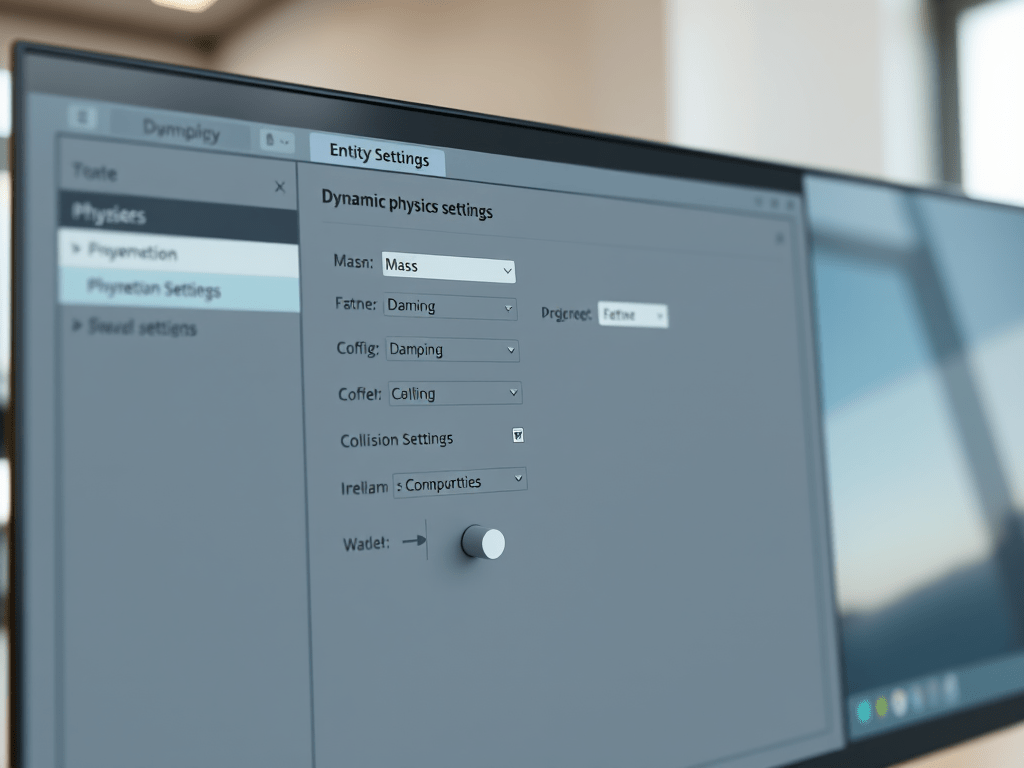
Screenshot of a physics settings panel in a game development environment, displaying configurations for a dynamic physics body, including mass, damping, and collide options, along with details for a cylindrical shape.
Unity physics configuration settings showing parameters for Physics Body and Shape in a game development project.

The image above displays the component utilized with the fluffy game object. This component is specifically designed for the entity component system, similar to how the physics collider system I mentioned earlier is integrated. The physics shape serves as the configuration area for the collision response event, offering various options for use. When preparing this event for future scripts, it is essential to employ the job system for the collision system.

The MonoBehaviour physics system is actually easier to use compared to the Entity Unity physics system, as the latter requires configuration when samples are not in use. While MonoBehaviour offers simplicity, it lacks flexibility with the job system entities. The physics components from the older Unity can be converted or baked in the inspector. However, they do not support systems like Joints and Constraints. These are crucial for game objects that require collisions. When using the MonoBehaviour physics without entity integration, noticeable lag can occur when similar objects collide or remain in contact. This leads to performance issues due to the extensive processing power required. In contrast, I found the Unity physics system to be significantly better. From my observations, the frame rate remained consistent during gameplay. There was no noticeable drop.

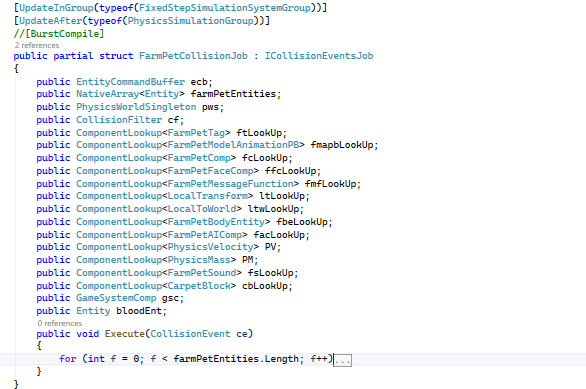
Code snippet showing a C# struct definition for FluffyCollisionJob that implements the ICollisionEventsJob interface. It includes members for entity command buffer, various component lookups, and an execute method for handling collision events.
Code snippet implementing the FluffyCollisionJob struct for managing collision events in Unity’s entity physics system.

Some features of the Unity physics system involve transitioning from script-based events to a job system that inherits from structs. When using components, you can look up collider events linked to the entity to manage how collisions are handled in the job system. By utilizing the collision event parameters, you can access various functions related to those parameters in your script. It is essential to access these events to perform the desired functions.

As you know, job entities can be used with the native array that stores variables temporarily in memory. These variables are utilized and disposed of within a single frame after being employed in the job system, such as the fluffy collision job. Implementing this in the job system enhances performance. It also organizes your code into a cohesive block that operates based on component look-ups. Further testing is required for me to ascertain whether performance has improved. This is particularly true when compared to the fluffy job remaining static. However, I can initially say that there has been a noticeable performance increase. This improvement is especially evident during tests in the editor where frame rates are easily observable. More recent development is necessary to enhance and assess the overall performance of the fluffy in the game.

Creativity, gate, arc, and combination of text is the logo

Leave a comment