

Casual Fluffy Farm (Edited)
December 2023 – January 2024
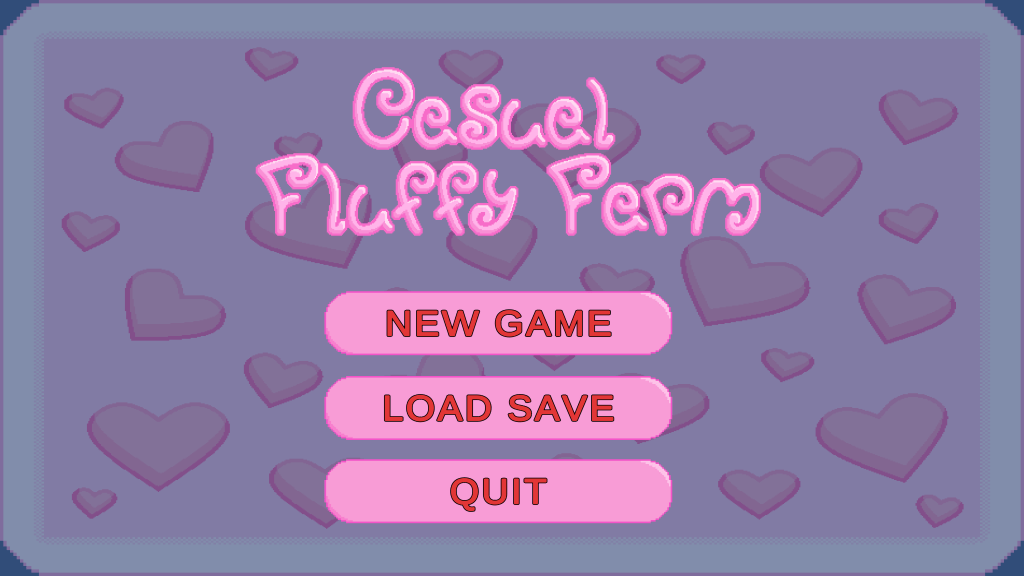


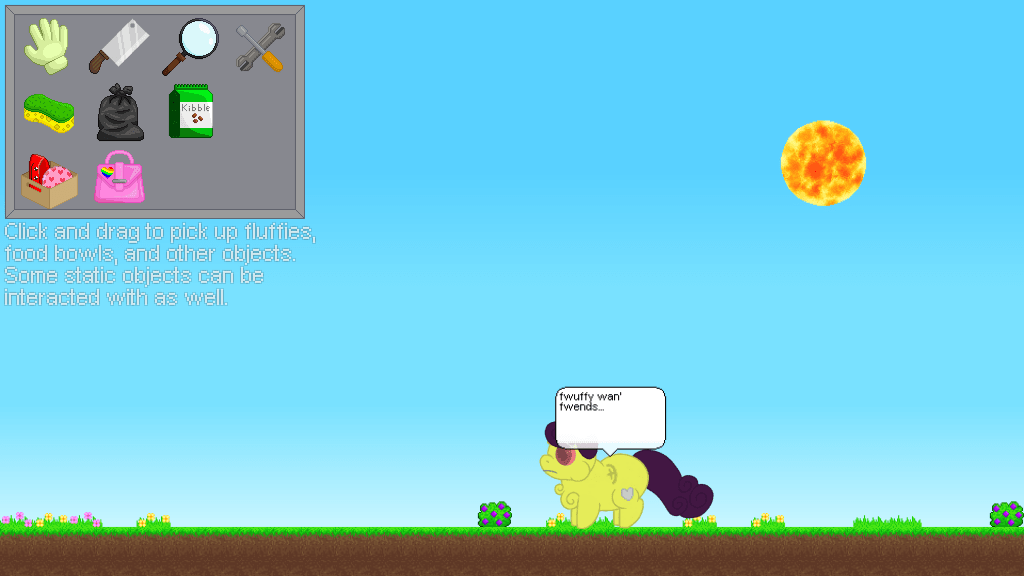

- Casual Fluffy Farm is an engaging 2-D game. It incorporates artificial intelligence (AI) to provide players with a unique farming experience. This experience is captivating and centred around adorable, fluffy creatures. Players navigate across a vibrant and colourful map by moving in four directions: left, right, up, and down. To interact with these charming fluffiest, players simply click the mouse. This action allows them to drag and drop the fluffies to various locations on the map. These locations are suitable for farming. Each fluffy has its own set of characteristics and benefits. They encourage strategic placement and management. This strategy is crucial for optimising the farm’s overall productivity. As players cultivate their farm, they can unlock new fluffies and expand their farming territory. They also discover new challenges that enhance gameplay. These challenges create immersive fun and keep them engaged for hours on end. Additionally, players can share their farm achievements with friends. This sharing fosters a community of fellow fluffy farmers. Within this community, players can exchange tips and strategies.
- Fluffy can be killed for food by selecting the scissors icon to mutilate the fluffy parts. For example, to cut their tail, leg, ear, and eye. Some of the parts can be eaten by other fluffy animals. This process requires careful consideration to ensure that all parts are utilised effectively, reducing waste and maximising the potential nourishment provided to other creatures in the ecosystem. Additionally, understanding the nutritional value of each part may lead to a more efficient feeding strategy among fluffy animals. This practice not only supports the survival of the immediate fluffy community but also encourages a cycle of life that promotes interdependence among various species.
- Fluffy parts can be collected for trash to clean the left part of the scene. It is essential to keep the area tidy, ensuring a more enjoyable experience as you select the icon garbage to clean the scenes of the game effectively.
- To clean splatter from the fluffy, like poop, puke, and blood, press the sponge icon, which is typically located in the upper toolbar of your screen. Then click on those tiles’ thing, ensuring you cover all affected areas thoroughly while allowing the cleaning solution to saturate any stains for optimal results.
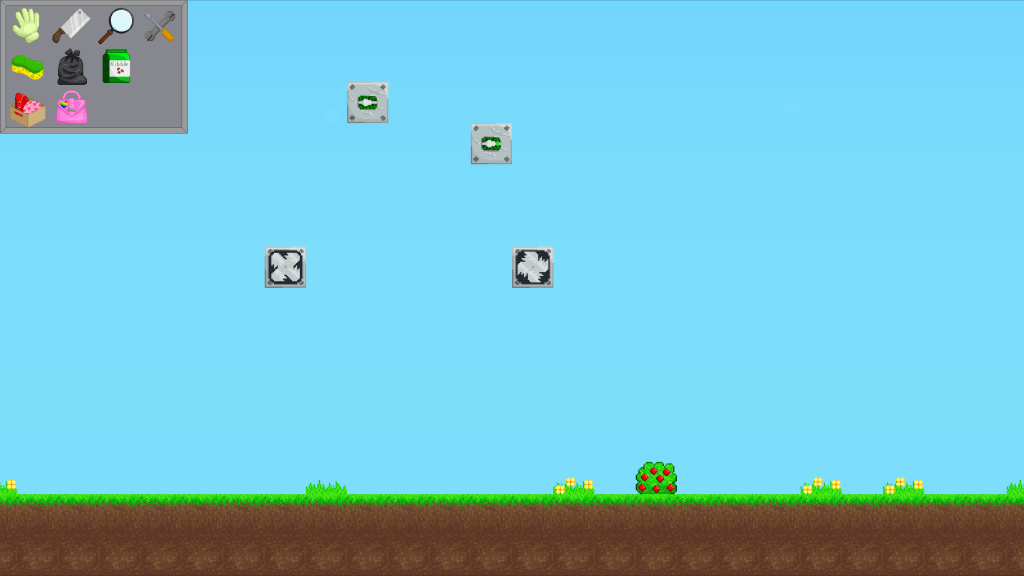
- The building menu offers an exciting variety of tiles to explore! You’ll find everything from soft walls and hard walls to soft floors, softwood, hardwood, inverters, gates, fans, sensors, windows, prisons, and switches. It’s wonderful to know that items like the inverter can power your gate, fan, and sensor, making your configuration process on the building option an engaging and creative experience!
- The business menu is like a fluffy funhouse! It features a magical store button that adds your chosen fluffball to the business button—think of it as your fluffy mascot. Then there’s the spawn button, a notorious mischief-maker that yanks your chosen fluffy from the menu faster than a cat can chase a laser pointer!
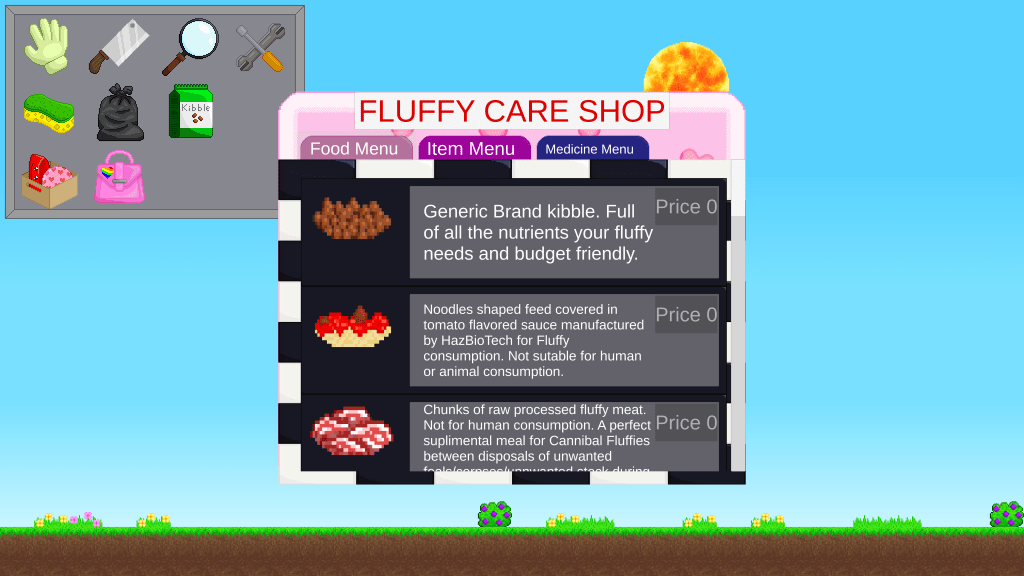
- The shop menu features a user interface for food and items. The food menu includes fluffy options such as kibble, plants, meat, soup, and milk (added), along with pregnant fluffy (added). For a more nourishing experience, customers can also select from a variety of flavoured kibble, fresh green plants, and hearty meats. The item menu contains a ball, bowl, and milk feeder (added), providing essential tools for caring for your fluffy friends and ensuring they have everything they need for a happy, fulfilling life.
- I added a save and load game feature, along with the main menu interface. The save and load include items like fluffiest, foods, plants, weather, dialogue, and dismembered parts. The biggest challenge during bug fixes was handling corpses and dismembered parts, which caused many errors, but I managed to resolve them after some time.
- Additional items include milk feeder, pregnant fluffy, corpse floor, splatter floor, and ground floor. I develop and code item functionality smoothly.
- One of the bugs I fixed that is a significant problem for me is finding out why the baby fluffy becomes so unnaturally small after being born. I checked the code once again and saw that the scale value has unfortunately been set to zero. In addition, I also took the initiative to organise the code by carefully splitting the entire script into multiple scripts that each have their own dedicated function. This thoughtful restructuring makes the code much easier to see and read, while effectively reducing the lines overall.
- The main objective of this project is to create a new casual fluffy farm after the original developer cannot be contacted, ensuring that we can carry on the vision and engage the community that has been eagerly following the development of this charming farm-themed experience.
- The tools I use for this game development are Unity game engine and Visual Studio 2022. Unity game engine provides essential tools like user interface design capabilities, mono behavior scripting for game logic, a variety of entities for representing game objects, advanced animation techniques for character movements, an animator for managing complex animations, and a plethora of other features that significantly enhance the overall game development process, allowing for greater creativity and efficiency in building immersive gaming experiences.
New Casual Fluffy Farm (Recreate)
April 2024 – November 2024
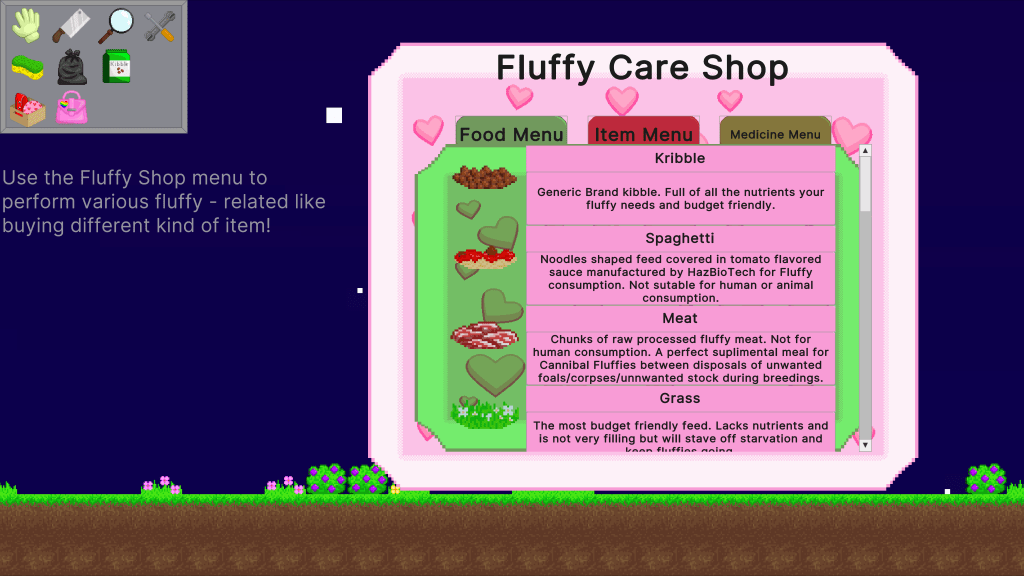



- Using a new Unity game engine version than the previous one, which provides enhanced performance and stability. The supported entities code is designed to efficiently utilise all the CPU cores available, thereby creating jobs and schedules that optimise rendering and processing tasks, ultimately leading to a smoother gameplay experience for users.
- Changing the user interface (UI) Unity engine to the UI Toolkit that uses HTML and CSS for the website. One of the things I have a problem with at first is using the Subscene with the UI toolkit. In code, I will need to choose either to make it a component class or a struct. The class seems much easier to use, as it is like the old mono behaviour system that can inherit a class. This transition is significant because it allows for more flexible design patterns and cleaner code management, which helps streamline the development process significantly, enhancing collaboration among team members by making the codebase more understandable and maintainable in the long run. These benefits are crucial for tackling the complexities of modern web applications while ensuring a seamless user experience.
- I confidently reference the UI toolkit to execute system updates, initialising variables within the class for optimal use in the game’s user interface. This visual element effectively manages the show and hide functionality using the container. The button click registers specific buttons, ensuring they are unregistered upon exiting the scene or game to prevent memory build-up.
- Next is the layout of the sprite in the subscene again; the sprites of the sun, moon, night, and rain need to be moved with the camera system’s mono behaviour. Additionally, I am using the Unity input system rather than the Unity Engine input, which is the old one. The solution is I use the entity’s code to set up the value when pressing the system struct while using that component in the system base to have those values to move the camera with it. This is similar to the scale system for the weather system whenever the player wants to zoom in or out.
- Using animation on entities can be challenging. The Blob asset reference helps store values for later use in animating the fluffy. To clarify, use the Enum to switch from idle to walk and apply the blob asset values to change and repeat the animation of the fluffy in the scene. However, the fluffy is animated, but its collider is visible in the game.
- I also face the same problem with the corpse and dismembered parts of Fluffy. After Fluffy dies, the rotation of the corpse is always to the right instead of the left. The size of the corpse of Fluffy will always resize, but its position at the joint is not the same after resizing. It’s like resizing from one to zero-point-four precision float. This is also the same after Fluffy is born; the size will need to be resized based on its new size after calculation. For the most part, saving and loading the dismembered parts is the challenging one. Sometimes the dismembered parts do not spawn while the other parts are spawned, and if they spawn, the collision of their joints is not the same as the old one, which is frozen on the position axis. Overall, I managed to fix those by inserting the value for all the points after resizing in the corpse and Fluffy, including their joint for the corpse position.
- For the collider part of the fluffy, like the leg, ear, tail, wing, head, eye, and horn that do not follow the animation position and rotation after their animation is changed or the fluffy is moving, I add a parent to all parts of the fluffy to ensure proper hierarchy and movement synchronisation. In the specific script of the entity Fluffy, I add the parent component, and the current entity automatically becomes the child component of the parent entity, creating a cohesive structure that facilitates seamless animation transitions. After testing the game thoroughly, I observe that the collider part starts following the rotation and position of the fluffy animation whenever the animation is changed, leading to a more engaging and visually coherent gameplay experience.
- The final step is fixing the game’s crash. I previously thought I had resolved this by creating a new function in the script. However, the script keeps looping through the same function, causing the crash to recur. In the older version, the crash didn’t occur when Fluffy was searching. I simply commented out the repetitive parts that made Fluffy search continuously. This made the script functional again, and most functions like cannibalism and normal behaviours are working as intended. Fluffy continues to look for food, a corpse and bites other fluffies when their hunger is high.
Available for freelance projects on Fiverr.


