
New Simulation Game is now utilizing a new Unity system. This system configures the entity system. It works alongside the updated Unity physics system. This includes a feature that integrates the new physics into the entity. The entity is converted into a component after being baked. The Unity physics operates similarly to the old MonoBehaviour physics; however, I believe there may be a new performance overhead associated with it. This is evident in the way the scripts are baked into the component before they can be used with the entity in the game.
The setup of this physics can be initiated by adding the Unity Physics package to your project through the Unity tab window. Once the Unity Physics packages are installed, you will need to import the sample included with the package to effectively utilize the existing Unity Physics configuration. The sample comes with a game object pre-configured with the physics entity setup. Users can customize the size, collider, and position of their game object. This information, including size and position, is converted within the entity component system into the physics collider components.
At the physics collider component, users can configure parameters such as size and position within the game’s inspector. This component is utilized within code to access its variables and functions. Recent additions to the Unity physics component include constraints, joints, and other related components. These similar components can be found in the Mono Behaviour physics from which they are copied. These components are used in the Unity physics component set up in the inspector.

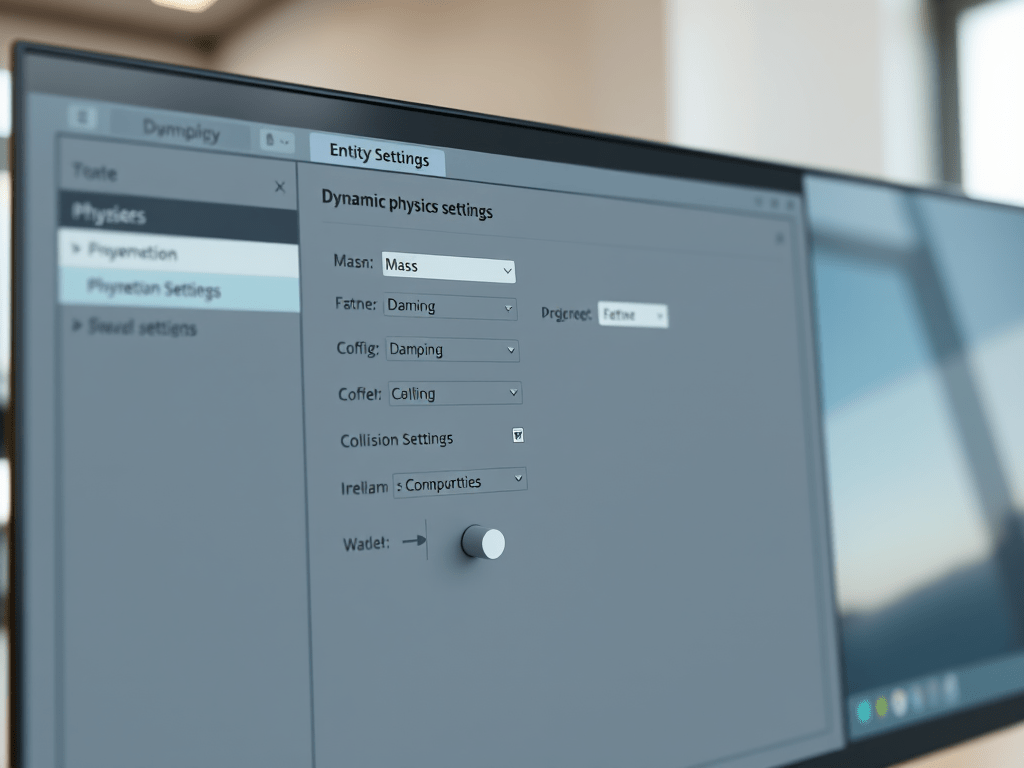
The image above displays the component utilized with the fluffy game object. This component is specifically designed for the entity component system, similar to how the physics collider system I mentioned earlier is integrated. The physics shape serves as the configuration area for the collision response event, offering various options for use. When preparing this event for future scripts, it is essential to employ the job system for the collision system.
Subscribe to get access
Read more of this content when you subscribe today.
 DuRound Sanctum Studio
Leave a comment